
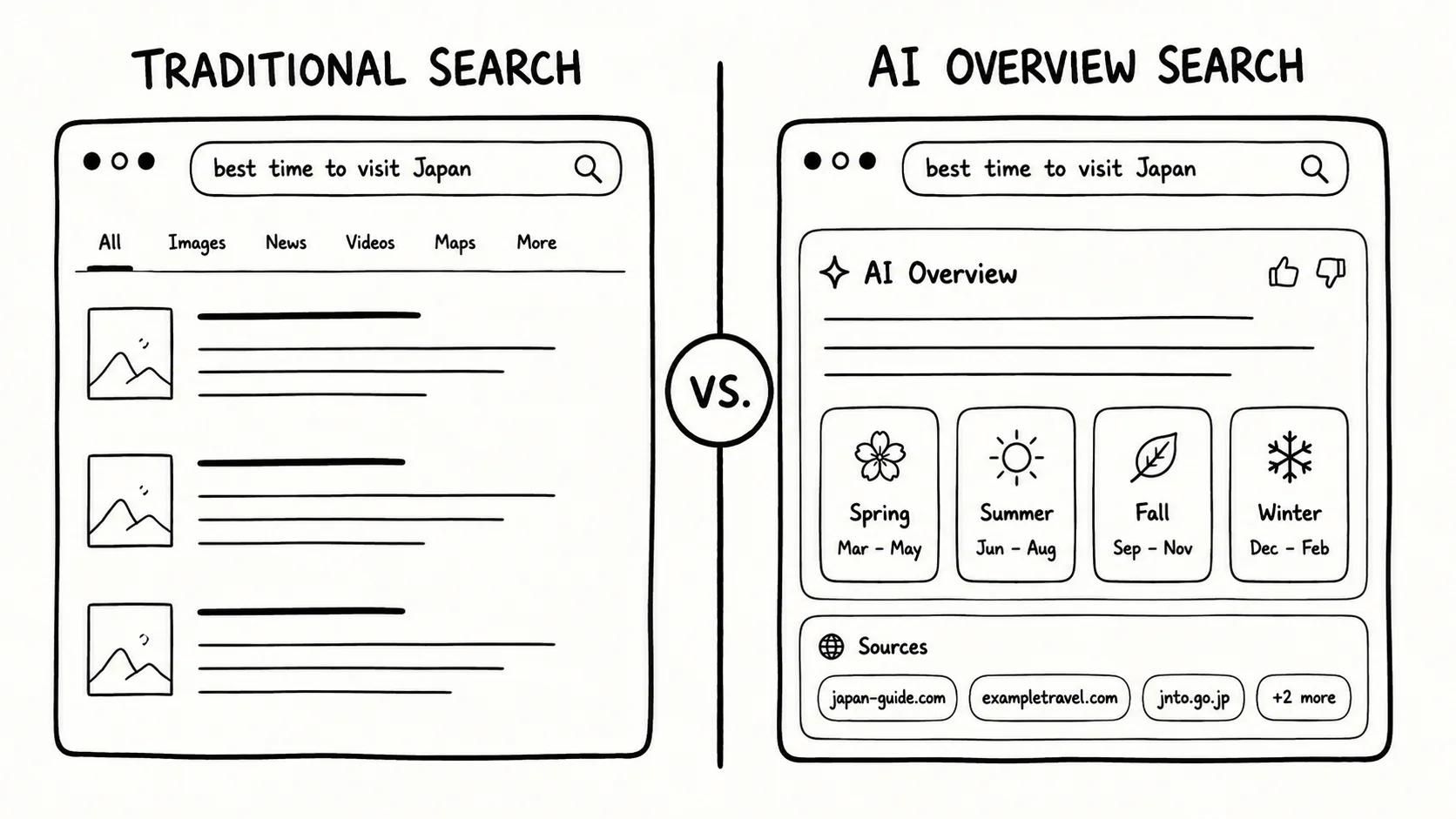
Google's overhaul following its I/O 2026 keynote has pushed AI-generated summaries to the top of nearly every search result. If that default is not what you want, six alternatives offer meaningfully different trade-offs — across cost, privacy approach, and how much AI you actually see.
What Changed at Google, and Why It Matters
Google's I/O 2026 announcements confirmed a structural shift in how Search surfaces results. AI Overviews — generated summaries sitting above the traditional blue-link list — are now the default experience for most queries. The change is not cosmetic. It repositions AI output as the primary answer, with source links demoted to a secondary tier. YouTube is following the same pattern: its search bar is gaining "Ask YouTube," a Gemini Omni-powered conversational layer designed to handle complex queries across videos and Shorts. For users who preferred Search as a retrieval tool rather than an answer engine, the defaults have changed substantially enough that switching costs are worth reconsidering. The chart below summarises the landscape of alternatives TechCrunch senior writer Amanda Silberling catalogued in May 2026.
What Each Engine Actually Offers
The six alternatives differ more than most comparisons suggest. The distinctions that matter for a tech audience are architectural: does the engine reroute your query before it reaches Google, does it run its own index, or does it simply suppress the AI layer at the UI level?
Kagi is the only paid option on the list, running $5 to $10 per month. In exchange it delivers zero ads and no AI Overviews by default, though users can manually trigger its "Quick Answer" tool when they want a summary. Its "lenses" feature — which can restrict results strictly to academic papers or other curated source types — is the kind of power-user control that no free engine currently matches.
DuckDuckGo is the most established privacy alternative. It does not track search history or personal data and can display AI-generated answers, but offers a settings toggle to turn all AI features completely off. The privacy guarantee is at the data layer; the AI is optional rather than absent.
Startpage takes a different architectural approach. It acts as a proxy between the user and Google, stripping identifying information like IP addresses before submitting the query. The result is traditional Google results returned without building a Google profile. An AI feature disable option is also available, making it the closest experience to pre-AI Google without paying for it.
udm14 (udm14.org) is structurally unlike the others. It is an open-source tool that appends the string &udm=14 to Google URLs, which forces Google to display its classic text-based result view without AI Overviews. There is no account, no engine, and no privacy layer — it simply manipulates the query string. Think of it as a persistent URL hack rather than a product.
Brave runs its own search index inside a Chromium-based browser. Its "Goggles" system lets users apply filters — prioritising tech blogs, filtering for media bias, or blocking specific domains like Pinterest from appearing. AI summaries can be toggled on or off. The combination of an independent index and user-defined result filters makes it the most customisable free option.
Ecosia is privacy-minded and Chromium-based, and donates roughly 80 percent of its advertising profits toward global tree-planting programmes, with transparent monthly financial and impact reports. Its differentiation is primarily ethical rather than technical, making it the right choice for users whose objection to Google is as much about values as about AI.
The chart below shows an ordinal AI-control score for each engine, assessed editorially from described feature sets. A score of 5 means AI is absent or fully bypassable at the query-routing level; a lower score means AI is present by default with only UI-level toggles.
How to Choose Based on What You Actually Want
The right engine depends on why Google's AI shift bothers you, not just that it does.
If the core concern is data privacy — Google building a profile from your queries — the most direct solution is Startpage. It preserves Google's result quality while removing the data trail. DuckDuckGo is the next best free option, though its index is not Google's.
If you want AI entirely absent from the result pipeline without paying, udm14 is the most surgical option. It forces Google's own infrastructure to return its classic text view. There is no privacy protection, but there is also no AI summary in the results.
If you want the most control over what results appear — not just whether AI is shown, but which sources are weighted — Brave's Goggles system is the only free option that operates at the index-filter level rather than the display level.
If you are willing to pay for a guaranteed ad-free, AI-optional experience with advanced source filtering, Kagi is the clearest choice. The subscription model is also its privacy guarantee: Kagi's business does not depend on your attention or data.
If the preference is values-aligned rather than technical — using search as a way to fund environmental initiatives — Ecosia is the only option in this group that publishes transparent monthly financial reports linking ad revenue to tree-planting outcomes.
The flow below maps the three most common decision paths to a starting recommendation.
None of these alternatives replicate the full surface area of Google Search. Startpage's privacy layer adds latency; Kagi's subscription is a real cost; udm14 offers no privacy protection whatsoever; Brave's independent index is smaller than Google's; DuckDuckGo's AI toggle is a setting users must find. The honest framing is that each engine solves one problem better than Google while accepting a trade-off somewhere else. Which trade-off is worth making depends on what is actually bothering you about the new default.

Half of Yahoo Mail's Users Are Gen Z or Millennial, Data Shows
Apollo's Yahoo turnaround leans on Gen Z: half of Yahoo Mail's users are Gen Z or Millennial, and its AI runs on borrowed models, not homegrown, per Yahoo.

IonQ's Revenue Jumped 287% in Q2 2026, but Its Stock Is Still 47% Below Its High
IonQ's Q2 2026 revenue rose 287% to $80.1 million and guidance climbed to $280-$290 million, yet IONQ shares still trade 47% below their October peak.

Inside Netflix's Adaptive Bitrate Engine: How Streams Survive Bad Networks
Netflix's adaptive bitrate streaming re-encodes video per shot, lets the client pick quality every few seconds, and now applies variable bitrate to every live event as of January 2026.

TypeScript's Go Rewrite Officially Merges Into the Main Repository
Microsoft merged 2,495 commits from typescript-go into microsoft/TypeScript on Aug. 20, replaying full git history as it folds the Go compiler home for good.
Comments (0)
Please sign in to join the discussion.
No comments yet.
Be the first to share your perspective on this topic.