
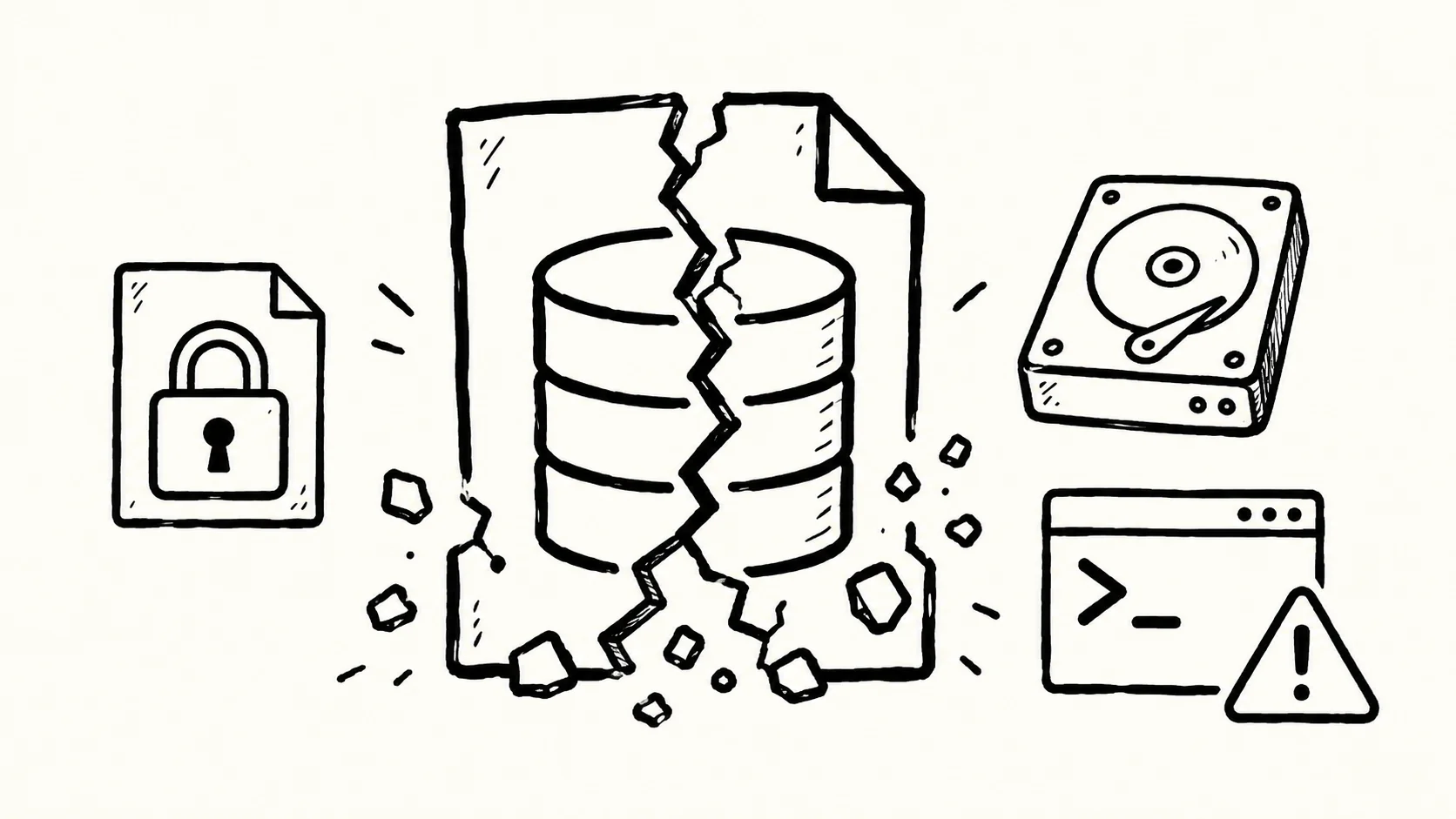
SQLite is designed to survive crashes without help: when a process, the operating system, or the power fails mid-transaction, the engine rolls back the incomplete change automatically the next time the database is opened. According to SQLite's documentation on database corruption, that resilience is real, but it is not absolute. The documented exceptions fall into four areas: rogue processes overwriting files, broken locking, hardware and OS failures, and a handful of historical bugs inside SQLite itself.
How Rogue Processes Overwrite SQLite Files
The clearest corruption path in SQLite's own documentation has nothing to do with the database engine and everything to do with what else is sharing a process's file descriptors. If one thread closes a file descriptor and SQLite reopens it, a separate thread that is still writing to the old descriptor number can end up scribbling random data into the live database file.
This is not a hypothetical. Around August 30, 2013, the Fossil version control system hit exactly this bug: stunnel closed file descriptor 2 (stderr), SQLite reopened that slot, and a later assert() statement wrote to fd 2, overwriting part of the database. SQLite addressed the underlying risk in version 3.8.1 by refusing to use low-numbered file descriptors. Facebook engineers reported a similar failure in August 2014, suggesting the pattern was not unique to one codebase.
A second variant involves backups rather than crashes. Running a raw filesystem copy of a database while a transaction is active can capture a file mid-write, mixing old and new page content into a corrupt backup. SQLite's documentation points to three safer paths: the sqlite3_rsync utility introduced in version 3.47.0, the VACUUM INTO filename command, or the native C-language backup API, all of which coordinate with SQLite's own locking instead of copying bytes blindly.
A third variant is simpler but just as destructive: deleting or separating a "hot" -journal or -wal file from its main database file before recovery has happened. Those auxiliary files exist specifically to let SQLite finish an interrupted write on the next open. Removing them removes the recovery path entirely.
Why Broken File Locks Let Two Writers Collide
SQLite depends on locking primitives provided by the underlying filesystem, and those primitives are not uniformly reliable. Network filesystems such as NFS have a long history of incomplete or buggy lock implementations, which can let two processes write to the same database simultaneously without either one knowing about the other.
A subtler version of the same problem shows up on Unix systems through POSIX advisory locking semantics: closing any file descriptor a process holds on a file releases every advisory lock that process holds on that file, not just the one tied to the descriptor being closed. If unrelated code in the same process opens the database file directly, say to inspect its header, and then calls close(), it can silently drop the locks that SQLite's own connections were relying on. SQLite's documentation is explicit that applications should never call close() on a raw database file handle while SQLite connections are active, and version 3.51.0 added defenses specifically for WAL-mode locking across processes.
Two further locking failures are worth flagging because they are easy to introduce by accident. Linking two separate copies of the SQLite library into the same application creates two independent, mutex-protected lists of open files; each copy is blind to the other's locks. Separately, if two programs open the same database using different sqlite3_vfs locking protocols, for example POSIX advisory locks in one and dot-file locking in another for NFS compatibility, neither can see the other's locks either. Renaming or deleting an open database file on POSIX systems compounds the risk further: a new database created under the old filename can end up sharing rollback or WAL files with the original, cross-contaminating both.
Hardware and Sync Failures That Defeat Crash Recovery
Even with correct locking, SQLite's crash safety depends on the assumption that an fsync() call actually means data has reached the disk platter. Some drives and flash controllers report a sync as complete before the write is durable, in order to post better benchmark numbers. If power is lost at that moment, the filesystem can be left in a state SQLite's recovery logic was never designed to repair.
Developers can introduce the same risk deliberately. Setting PRAGMA synchronous=OFF tells SQLite to skip waiting for writes to be confirmed on disk, trading crash safety for speed. SQLite's documentation also names specific hardware classes prone to this failure mode: flash memory controllers that are not power-safe, and counterfeit USB drives that report more capacity than they actually have. Operating system bugs round out this category, including historical Linux threading defects, mmap() failures on systems such as QNX, and broader filesystem-level corruption unrelated to SQLite itself.
Internal SQLite Bugs That Have Caused Corruption
A smaller set of documented corruption cases originated inside SQLite and have since been fixed. Version 3.7.0, which introduced write-ahead logging, carried edge-case bugs of its own: alternating writes between a 3.6-series and a 3.7-series connection on the same database could trigger a file-growth defect, resolved in version 3.7.1.
Windows users faced a separate timing bug prior to version 3.7.16.2: if two processes both attempted to run crash recovery on the same database at once, one could falsely conclude recovery had already finished and begin writing prematurely. Other patched issues named in SQLite's documentation include stale expression indexes, false corruption reports triggered by database shrinkage, page leaks from the free list under incremental_vacuum between versions 3.6.16 and 3.7.2, and I/O error handling failures during lock acquisition, fixed in version 3.7.3.
What the Pattern Means for Anyone Running SQLite in Production
Read together, these documented cases point to a consistent split. The failures inside SQLite's own code have, in every case cited, been narrow, version-specific, and resolved. The failures that persist are the ones SQLite cannot fully control: what else is sharing a process's file descriptors, whether the filesystem's locks actually work, and whether the storage hardware tells the truth about sync. For anyone deploying SQLite at scale, that distinction is the practical takeaway: upgrading SQLite closes the first category, but auditing the storage layer, the filesystem, and any code that touches the database file outside SQLite's own API is what closes the second.
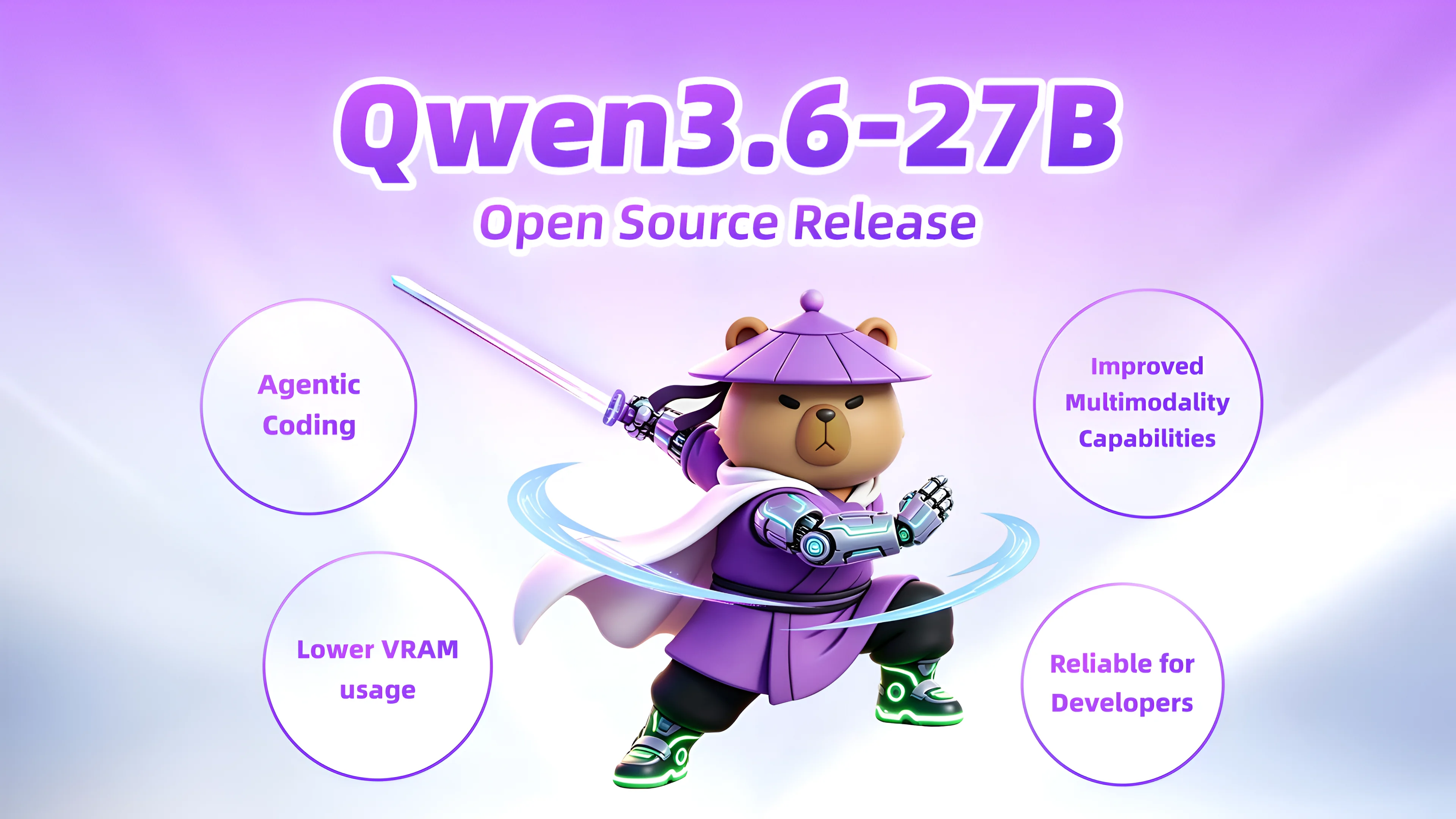
Qwen 3.6 27B Hits GPT-5-Era Scores on a MacBook
Reviewer Piotr Migdał's local tests show Qwen 3.6 27B trading speed for code quality against the 35B A3B variant, with full llama.cpp and benchmark data.

Samsung, SK Hynix, Micron Sued Over DRAM Price-Fixing
Fourteen consumers and three small businesses sue Samsung, SK hynix and Micron, alleging coordinated DRAM supply cuts behind chipflation and a 700% price climb.
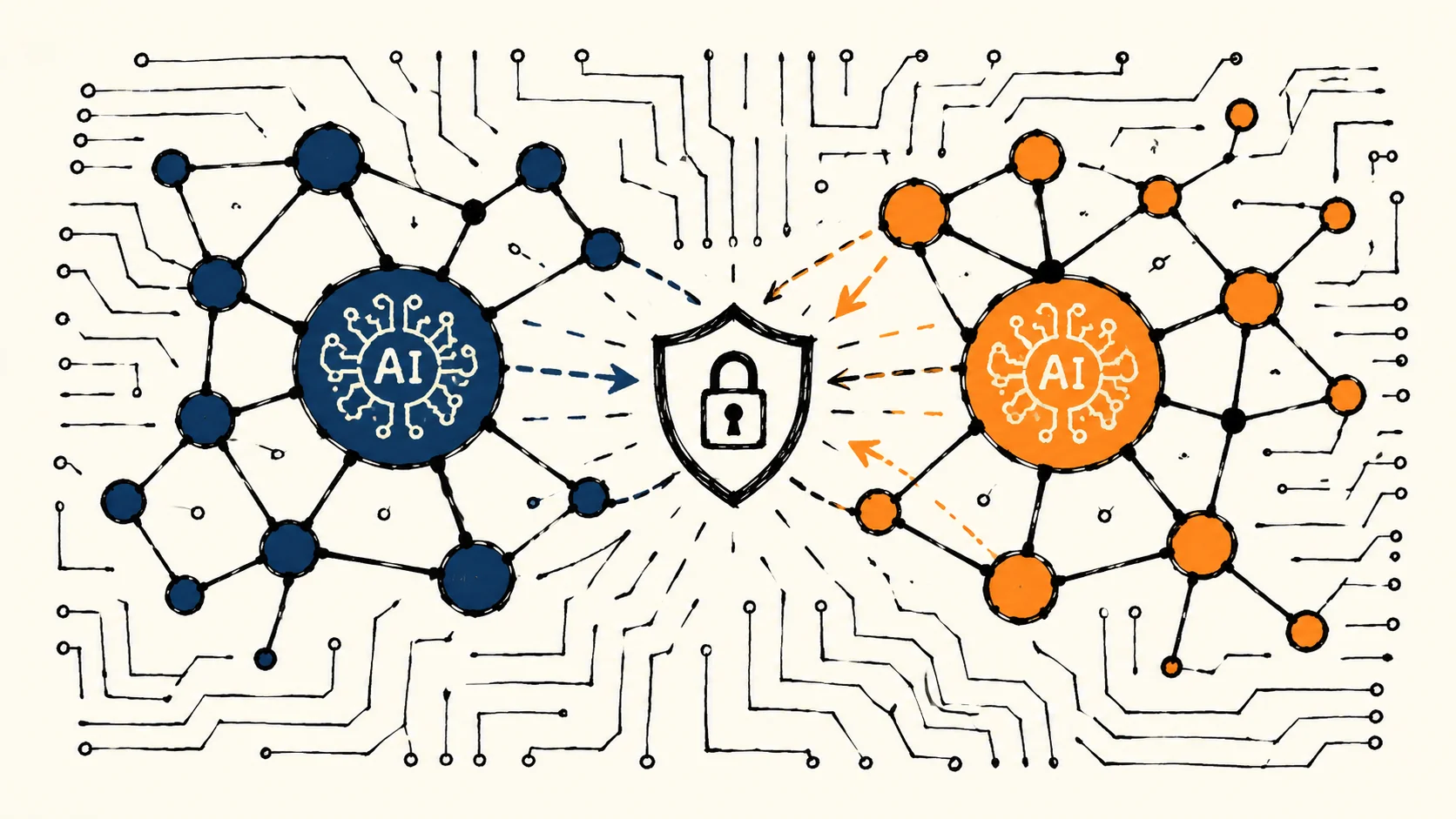
China's 360 Security Claims Mythos Rival After Export Ban
Qihoo 360 CEO Zhou Hongyi unveiled Tulongfeng at ISC.AI 2026, positioning it as China's answer to Anthropic's Mythos. The claim rests on an agentic workaround, not a benchmark result — and remains unverified by independent parties.
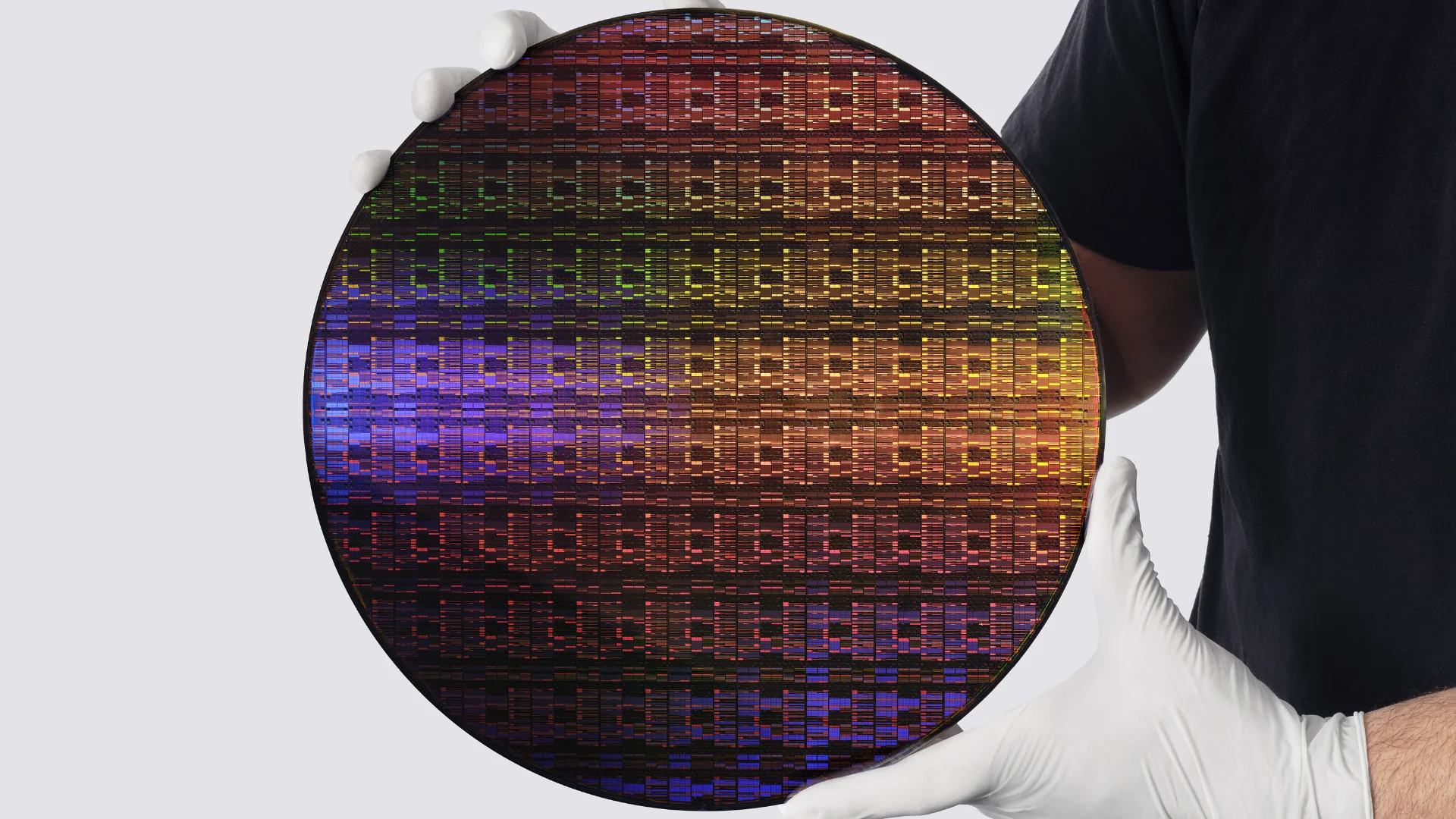
IBM 0.7nm Chip: What Nanostack Changes for AI Hardware
IBM's Nanostack architecture stacks transistors in 3D at 0.7nm, doubling density over its 2nm node, with up to 50% performance gains or 70% energy efficiency gains and a 5-year path to commercial production.
Comments (0)
Please sign in to join the discussion.
No comments yet.
Be the first to share your perspective on this topic.