
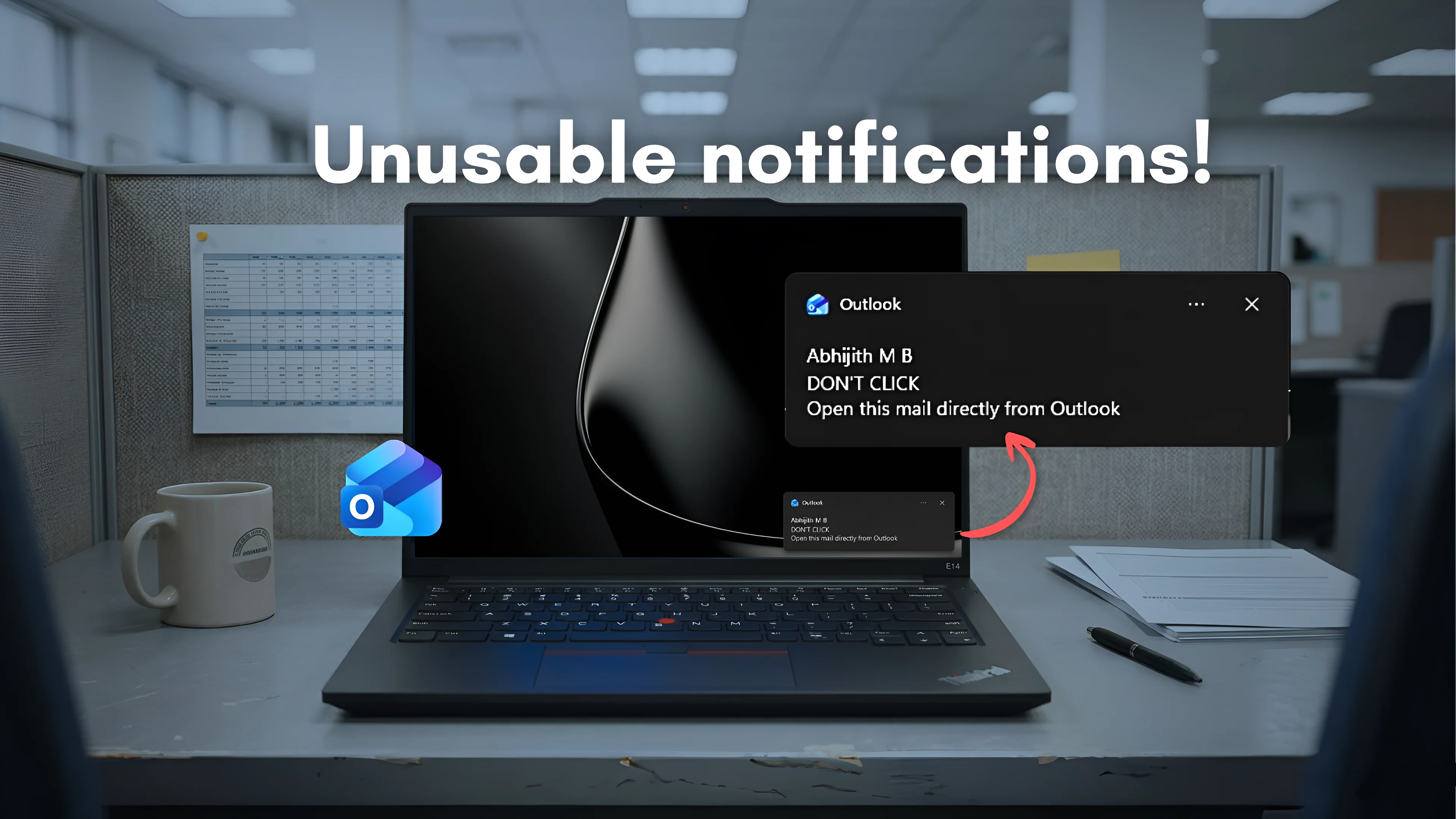
The transition from native code to a Chromium-based web wrapper has quadrupled background resource consumption and introduced severe latency into core Windows 11 interactions.
The Initialization Cost of Web Wrappers
Clicking a new email notification in Windows 11 using the "new Outlook" currently requires approximately 10 seconds before the message becomes readable. This delay exposes the fundamental architectural difference between native applications and web wrappers. According to recent testing by Windows Latest, the native Win32 "Outlook Classic" loads the exact same notification almost instantly.
The latency stems directly from the application's reliance on Microsoft Edge's WebView2 runtime. When a user clicks a notification while the new Outlook is suspended or closed, the system cannot simply paint a native window. Instead, it must initialize the Chromium web layer, authenticate the session, load the specific email thread over the network or local cache, and finally render the DOM. The overhead of this stack is so heavy that users can bypass the notification entirely, open the application directly from the Start menu, and manually click the email in roughly five seconds—half the time required by the integrated notification route.
Process Sprawl and Idle Resource Allocation
The shift to a unified web codebase has fundamentally altered how Outlook consumes system resources, moving from a lightweight single process to a heavy multi-process architecture.
Outlook Classic typically idles at less than 1 percent CPU utilization and consumes between 117 MB and 148 MB of RAM. The new Outlook, operating as a WebView2 instance, spawns up to 10 separate background processes to maintain state. These include the WebView2 Manager, utility processes, a dedicated GPU process, and service workers. Consequently, the new application idles at roughly 4 percent CPU and consumes between 490 MB and 636 MB of RAM.
This fourfold increase in memory consumption reflects the baseline cost of isolating web execution environments. While modern hardware can absorb this overhead, the cumulative effect degrades battery life and system responsiveness, particularly on lower-tier enterprise machines where Outlook is a mandatory background service.
Delayed Migrations and Feature Parity
Microsoft retired the lightweight Universal Windows Platform (UWP) Mail and Calendar applications in late 2024 to force consumer adoption of the new web-based client. However, enterprise adoption remains constrained by both performance regressions and ongoing feature gaps.
In response to workload friction, Microsoft has delayed the forced opt-out deadline for enterprise environments from April 2026 to March 2027. The company is actively patching the functional deficits of the web wrapper. Recent updates in early 2026 improved shared mailbox access and folder search, while automapped calendar support arrived in May. Crucial native capabilities, such as local .PST file imports for calendar items and contacts, are scheduled for July 2026, followed by a Unified Inbox view in August.
Despite these feature additions, Outlook Classic remains supported for power users until April 2029, acknowledging that the web architecture cannot currently meet all professional requirements.
The Speculative Return to Native UI
The persistent performance gap between WebView2 and native code has raised questions about Microsoft's long-term desktop strategy. The company has recently reaffirmed its commitment to WinUI for native Windows applications, an effort led by Rudy Huyn.
This renewed focus on native design languages has sparked speculation that Microsoft could eventually rebuild Outlook as a true native application to bypass the inherent constraints of Chromium wrappers. However, no official roadmap indicates a retreat from the current "One Outlook" web strategy. For now, users must accept that cross-platform codebase unification comes at the direct expense of desktop performance.
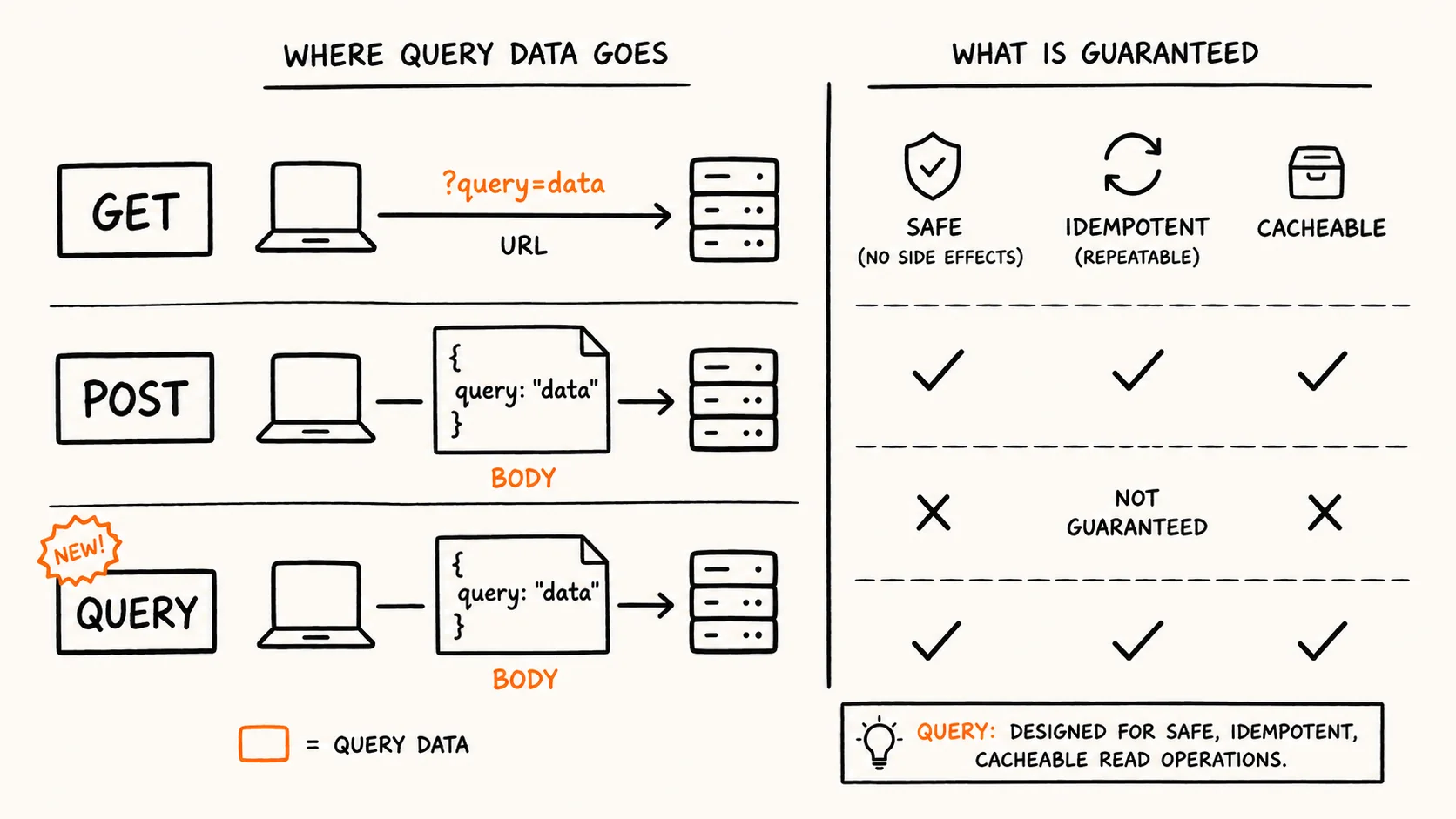
The New HTTP QUERY Method Solves a Decade-Old GET/POST Problem
IETF's RFC 10008 defines HTTP QUERY, letting clients send large or sensitive query data in a request body while keeping GET's safety, idempotency, and cacheability.

Only 16% of Americans See AI as a Net Positive
Pew Research data shows 16% of Americans expect AI to help society long-term, while a parallel Gen Z survey finds rising daily AI use paired with growing distrust of its societal impact.
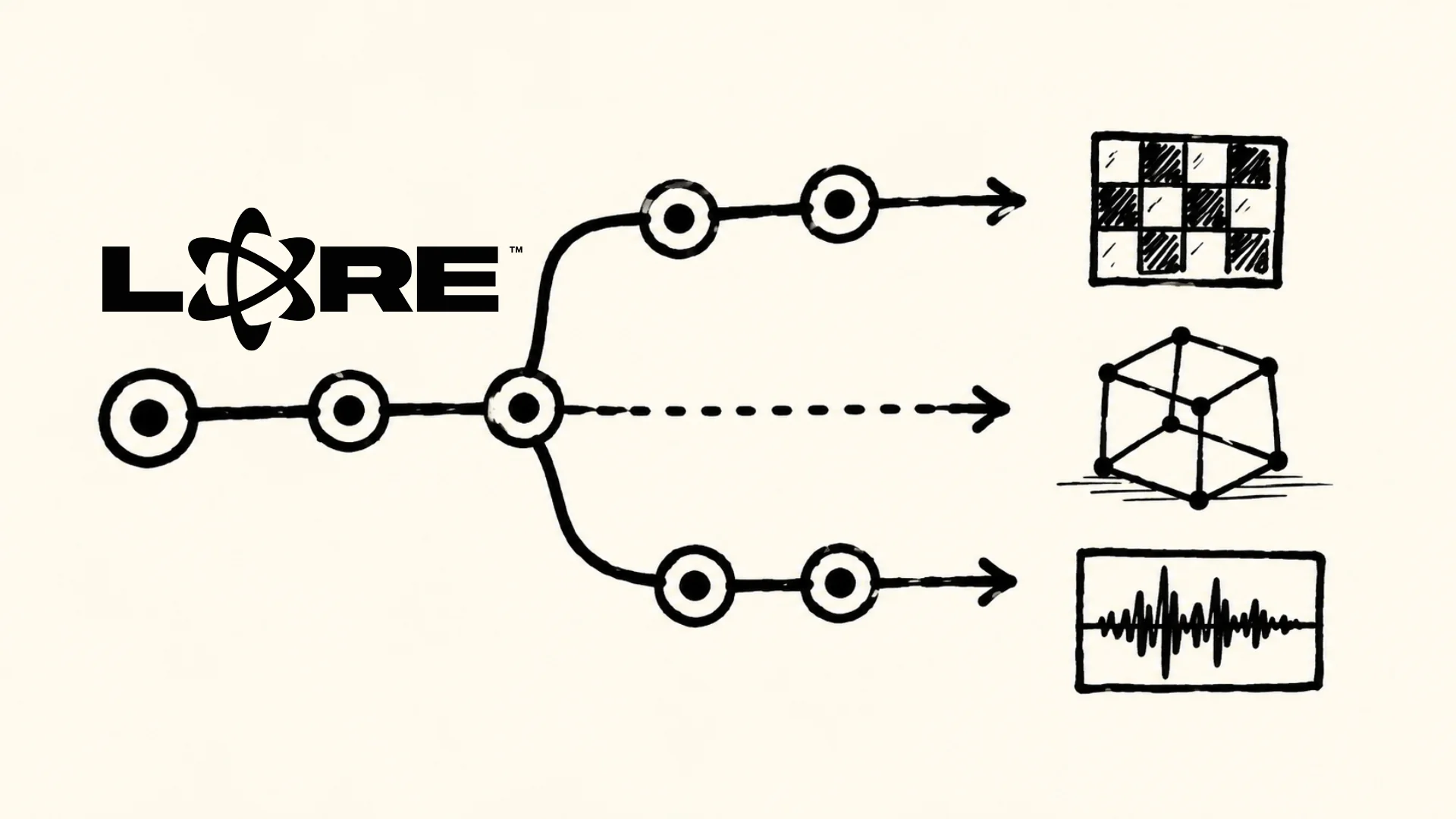
Epic Games Launches Lore, an Open VCS for Game Studios
Epic's new Lore VCS uses Merkle trees, content addressing, and exclusive locks to handle binary game assets that have long pushed studios toward Perforce.

Chrome 150 Ends Last MV2 Workarounds for Ad Blockers
Chrome 150 removes the ExtensionManifestV2Disabled flag on June 30, 2026. Chrome 151 follows in July with full MV2 removal. uBlock Origin and legacy ad blockers lose their last workaround.
Comments (0)
Please sign in to join the discussion.
No comments yet.
Be the first to share your perspective on this topic.